
Gagan

Forum Replies Created
-
AuthorPosts
-
Gagan
MemberThanks. Update worked for Tradition style. So my problem is solved as i want to use tradition style only.
But now it has issue with thumbnail of Grid view. So test it before you update the Theme for everyone.
ThanksMemberDesktop Risolution is 1366 x 768
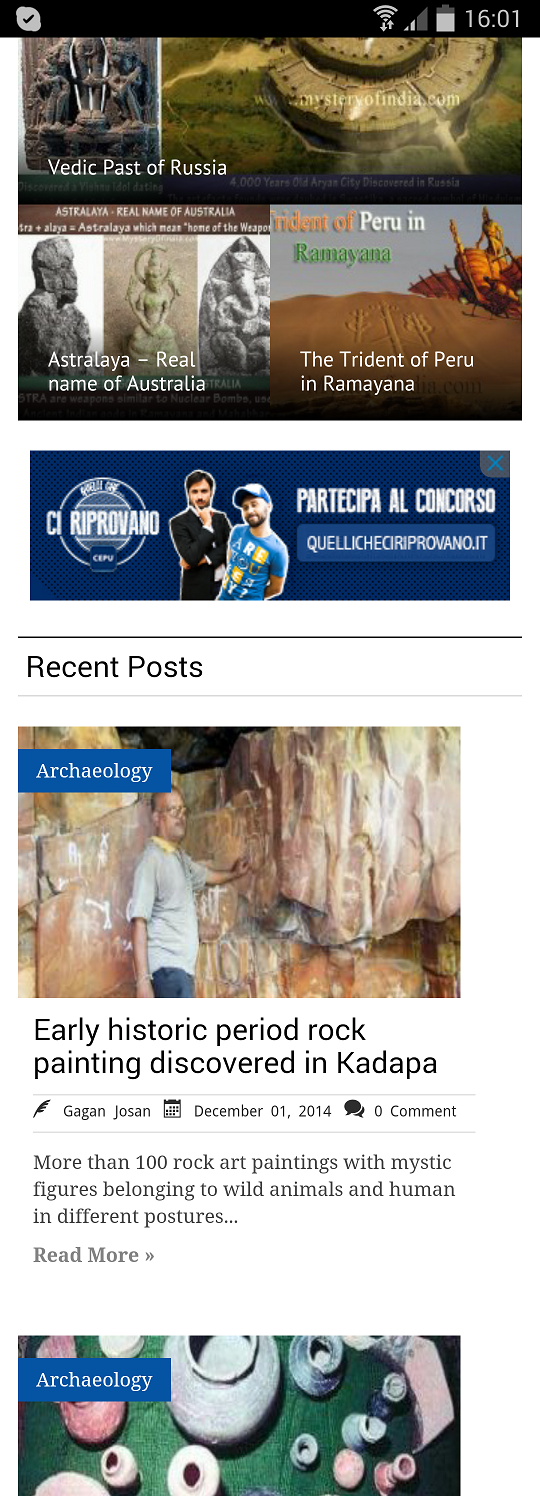
Here is screenshot from Samsung galaxy S4. You can see blank space on right side of Recent Posts
 Member
Ok I tested Using Chrome DevTools, Its again same problem.
Check this screenshot which is taken on Desktop. There is blank space on desktop too.
here is screenshot:
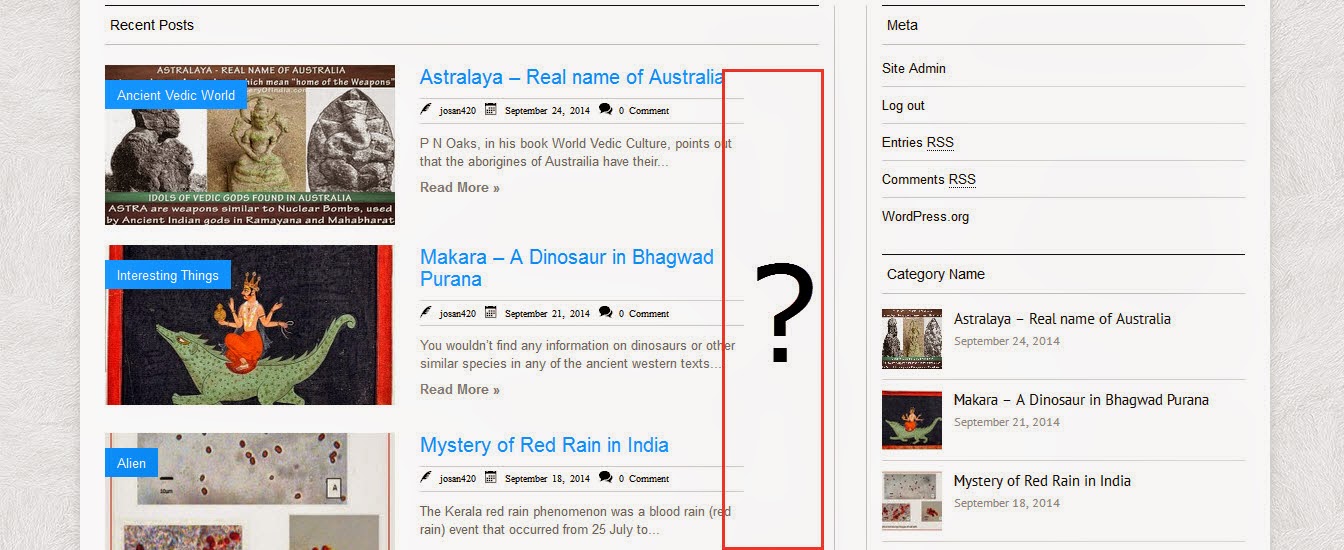
So it mean, there are still some issue with theme.
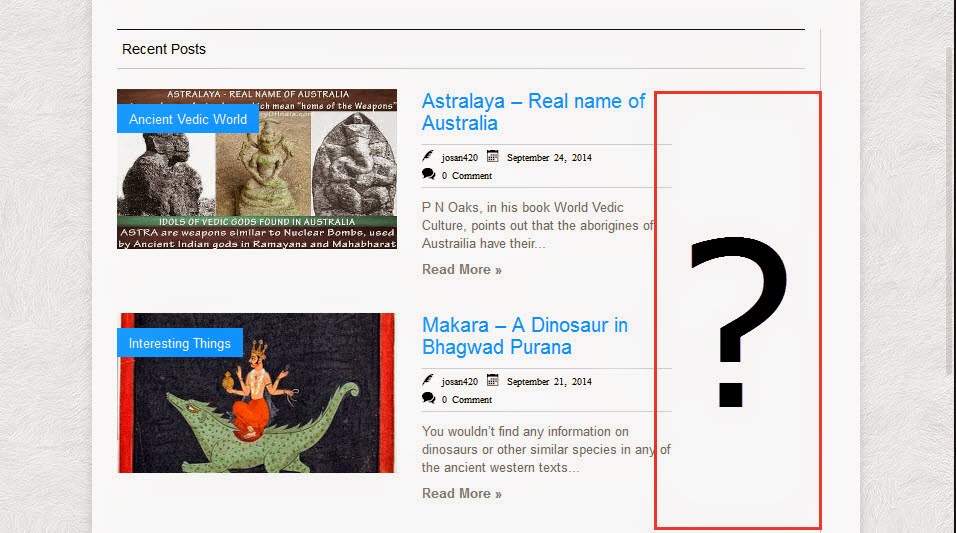
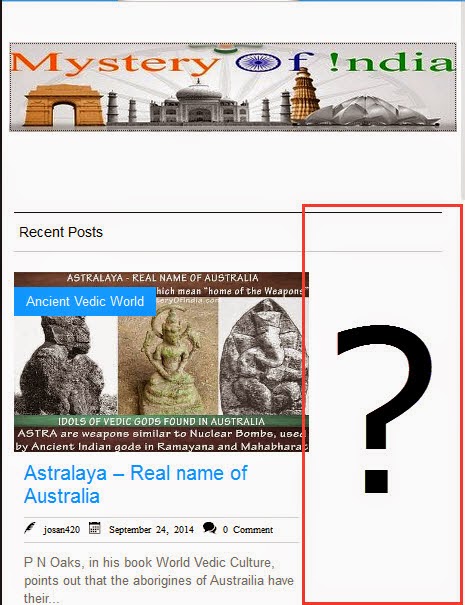
MemberAs you can see there is blank space in every screenshot
MemberI downloaded fresh Theme from your Site and tried it offline using XAMPP.
I tried this step:edit the silvermag_2col.css file in the theme folder > CSS and remove the following code
.magbig-thumb,
and here are screenshot taken using Responsive Design View feature of Mozilla Firefox
 Member
Any Update? Is it so difficult to solve this small issue?
MemberStill not working on Mobile device… Why don’t u try to solve the problem in your Demo Page, so when problem is solved u can update the theme or tell us how to fix it…
ThanksMemberDid u tried to solve the problem????
I followed your Instruction:Activate 2 columns and add the following code in custom CSS of theme Options panel.
.list-block{
width:48%
}edit the silvermag_2col.css file in the theme folder > CSS and remove the following code
.magbig-thumb,
well, it work but only on desktop. On mobile device it is not working as expected. So please solve it
MemberThis reply has been marked as private.MemberI asked Him many time to solve this problem but he never reply me about this problem.
TRADITIONAL Blog Style with 2 Column is NOT WORKING.Here is Screenshot of my website with Traditional layout style using 2 Column
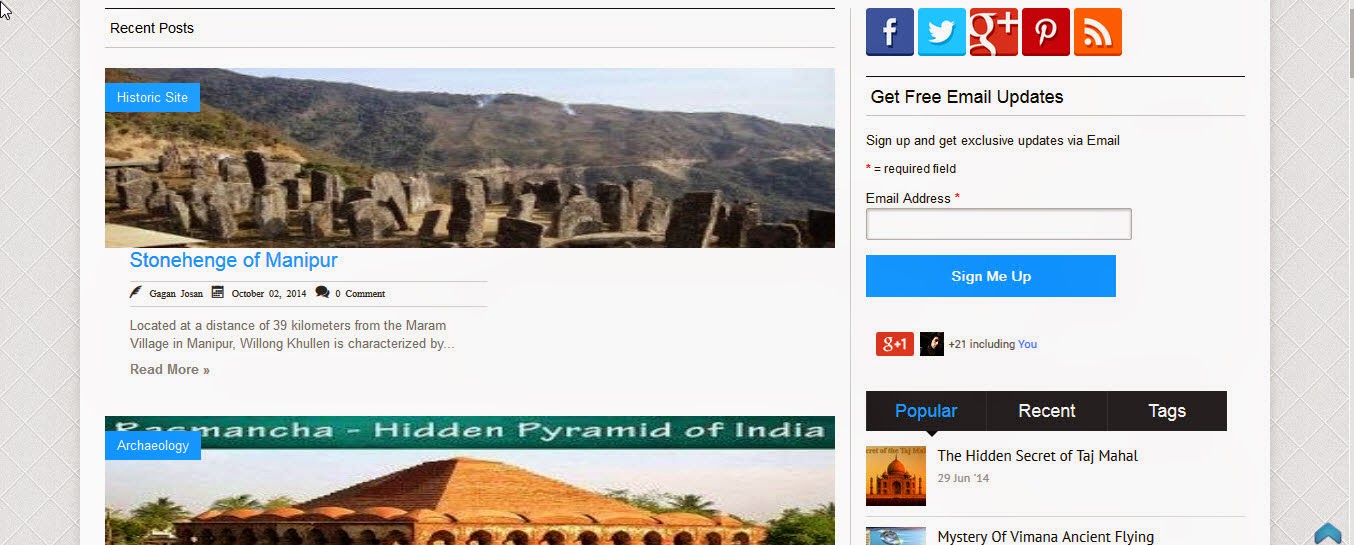
I Hope to find a solution soon
MemberThanks it Fixed the Problem. I hope u solve problem with BlogPosts Display Style TRADITIONAL too.
Problem is only when you use 2 Column layout.MemberNo issue is not fixed. I am not displaying any ad before recent posts right now
you can try it on your Demo page.
– Place any widget in Magazine Block 2
– Then go to Silver Mag pro > Home Setting > Homepage Content Layout Manager
– Move the Magazine Block 2 Above the Recent Posts, as shown in screenshot in my first post.Then check the Home page. Widget will appear 2 times,
1st Before recent Posts
2nd After Magazine Block 1MemberI found it. I have to make changes in silvermag_2col.css file.
MemberWhat do u mean? Which icon? Logo or Social icons?
MemberThanks new update solved search bar problem.
in Next update please solve the problem of large Sidebar. When Zoom is on 90% or less than 90%, big Sidebar go down.
You can check it on your demo page too.
-
AuthorPosts
